

For Q-SYS Designer · Mac
AV PanelForge — Forge better
touch panels.
Build enhanced interfaces that drive Q-SYS control without writing code.
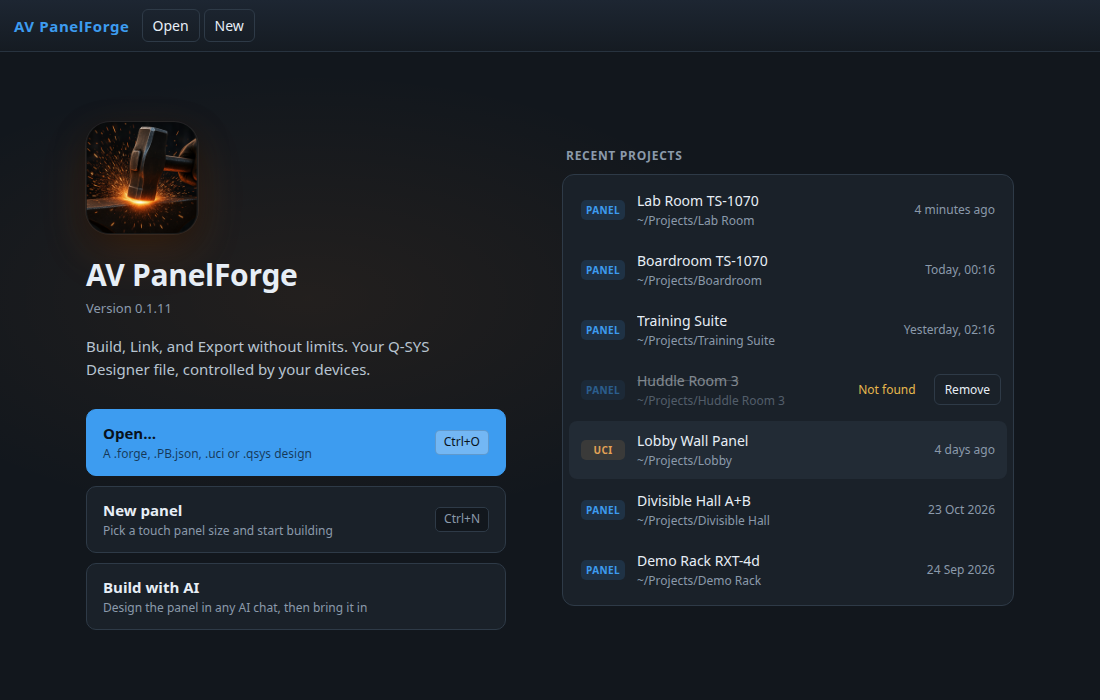
How it works
Three steps. Every time.
AV PanelForge has three work areas. Whatever you're making, you move through them in order.
- Build
Lay out or bring in your panel.
- Link
Connect it to your Q-SYS design.
- Export
Send it where it needs to run.
The real app
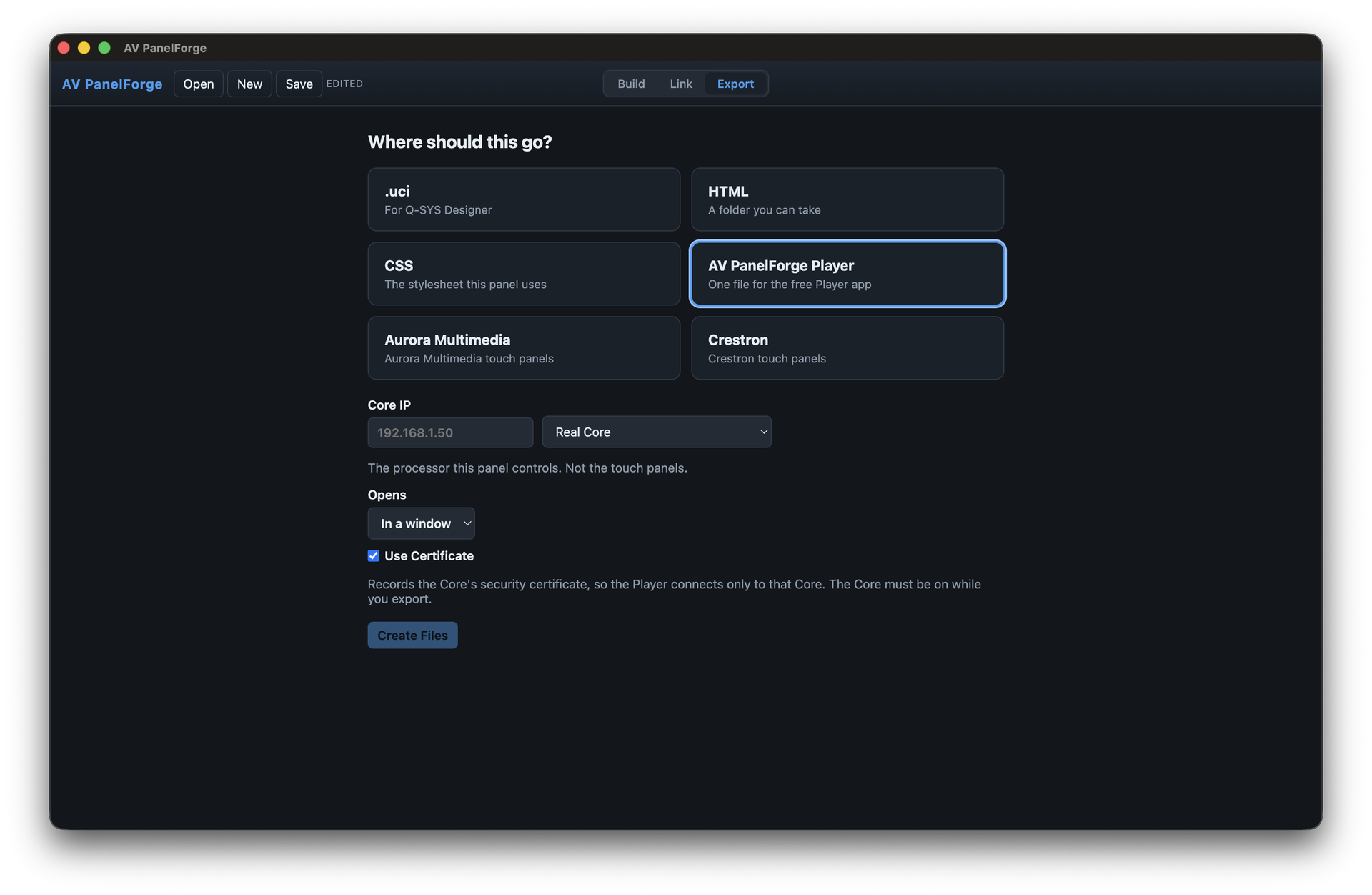
See it in action.
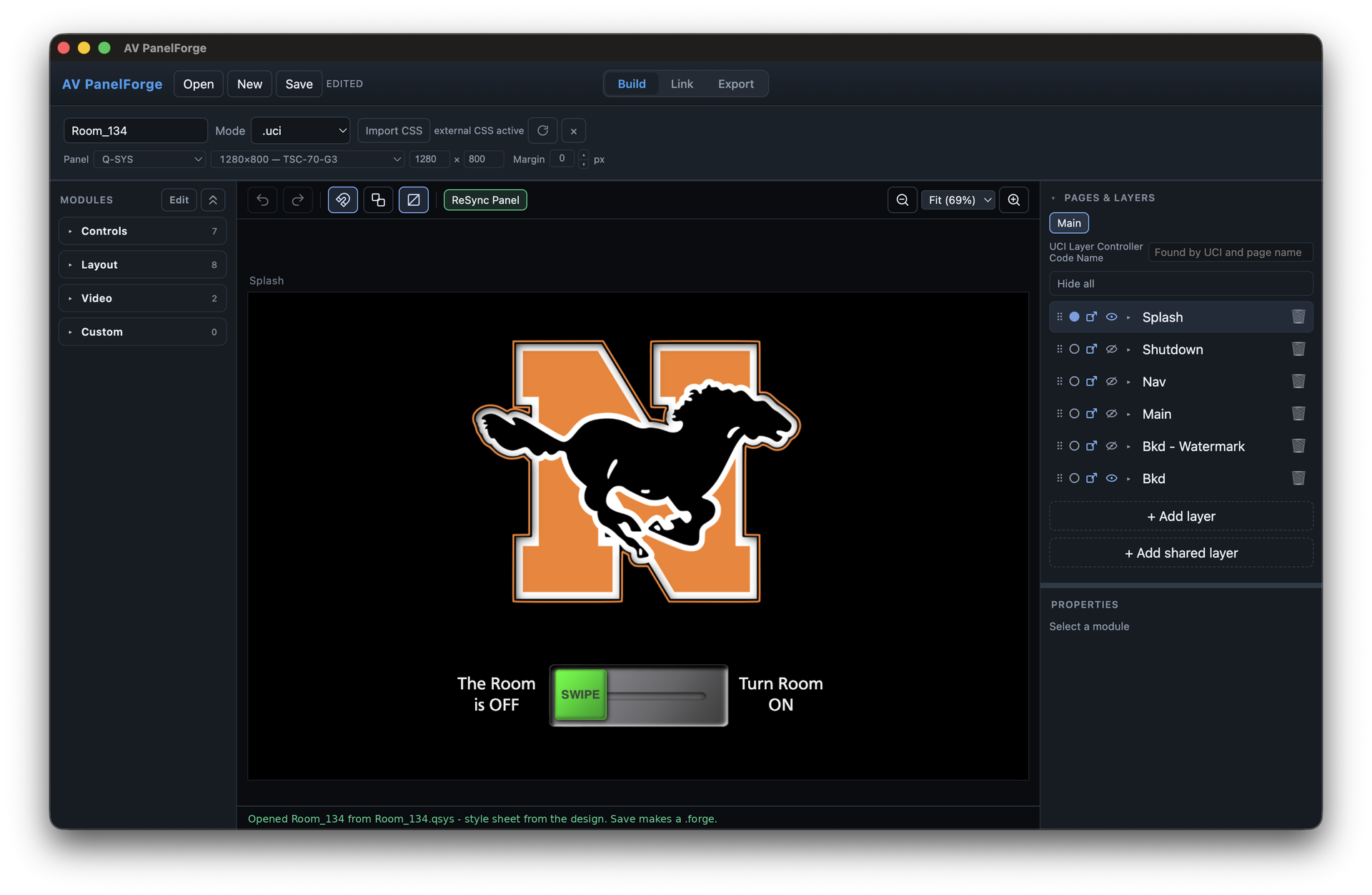
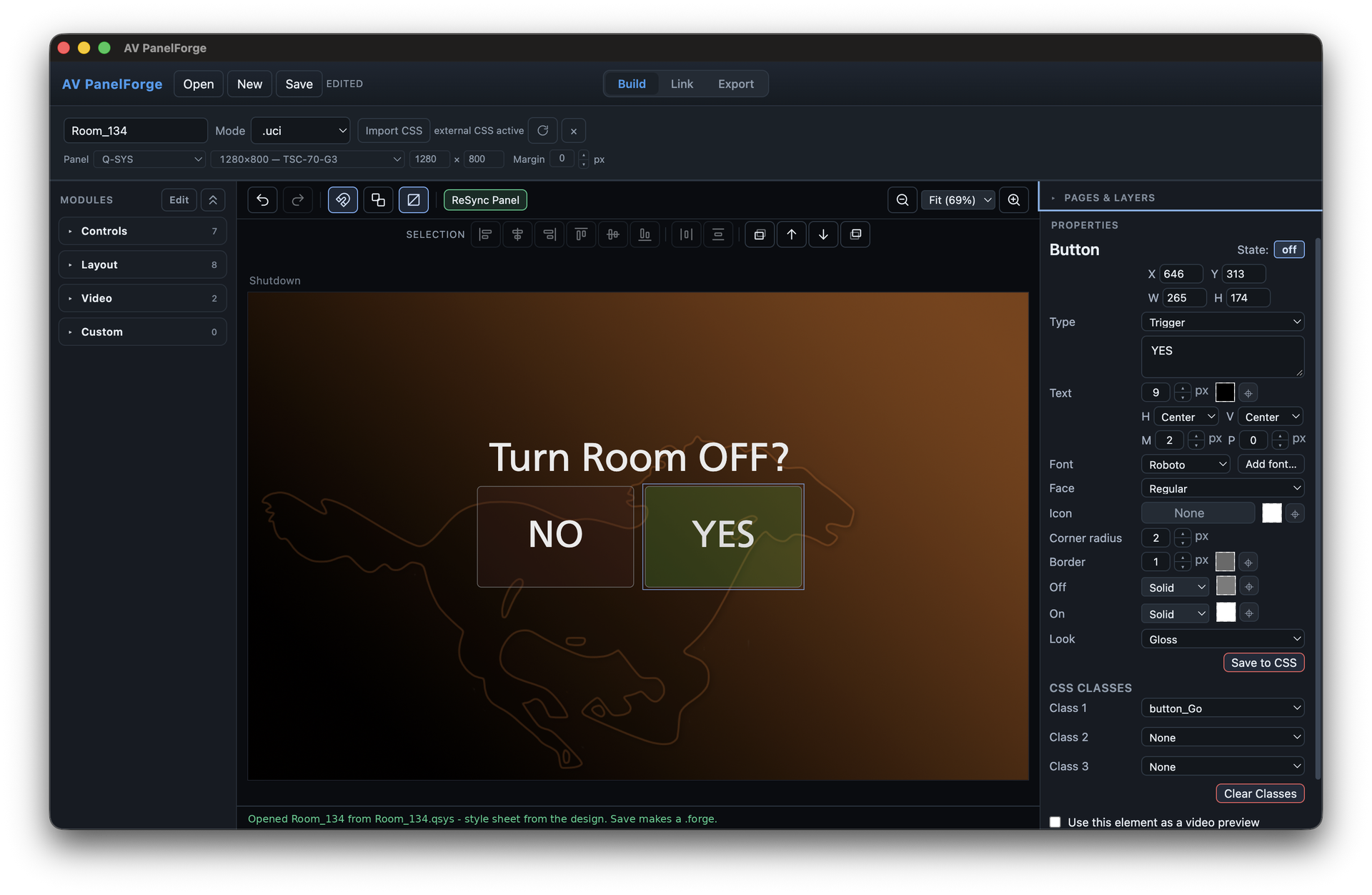
Lay out your panel pages, buttons, and styles.
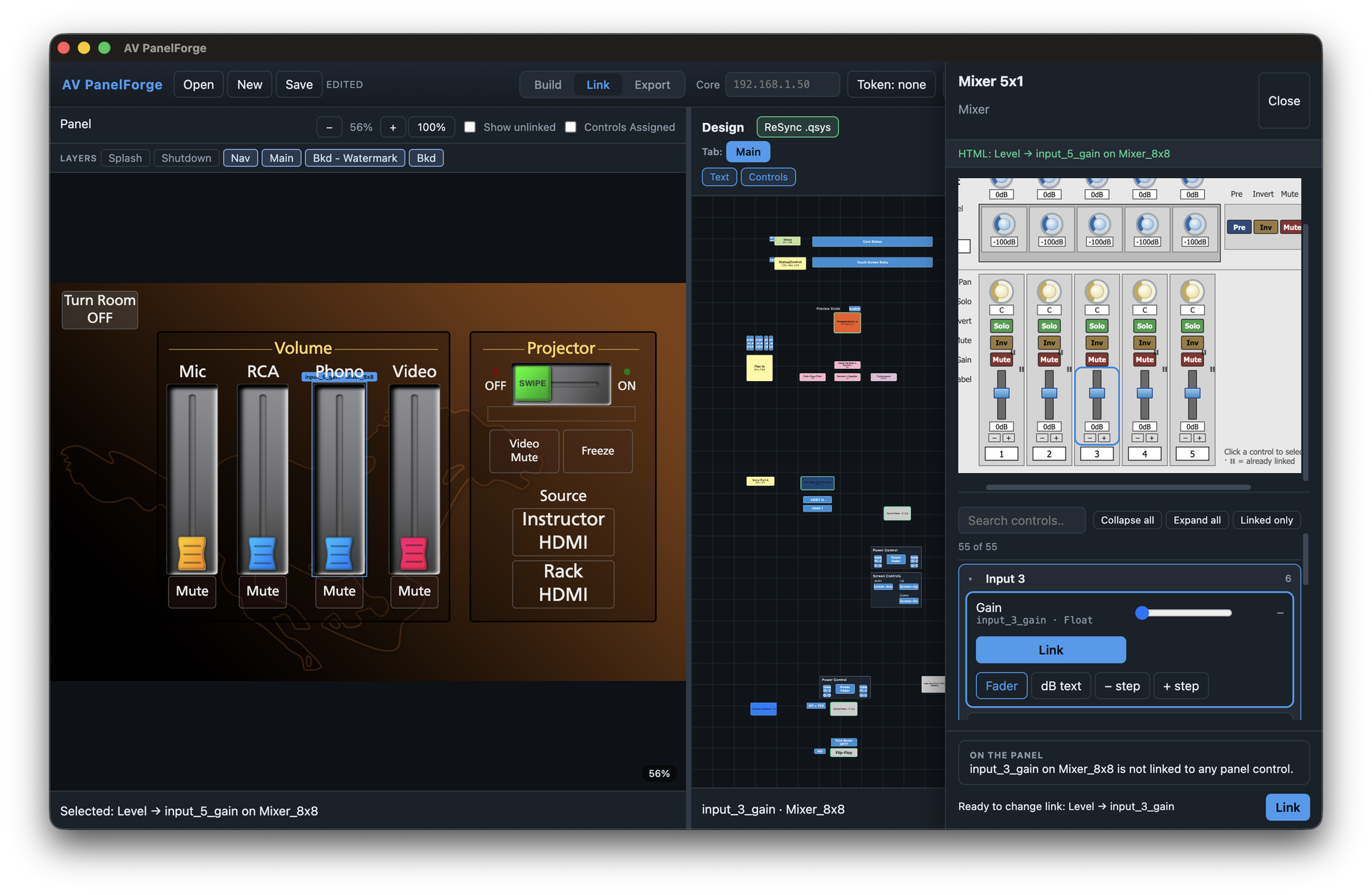
Connect each control to your Q-SYS design.
Send it to .uci, HTML, CSS, the free Player, Aurora, or Crestron.
Start here
What do you want to do?
Pick one. Every path is the same three steps: Build Link Export
Choose a path to see its steps.
Take your Designer panel further.
Keep the touch panel you already built in Q-SYS Designer, and give it powers Designer can't.
- Build
Open your Designer panel and add what Designer can't: full-motion third-party video, swipe actions, and more.
- Link
Your controls stay connected to your Q-SYS design.
- Export
Send the upgraded panel back out, ready to use.
Run your panel anywhere.
Your Designer panel, working outside Q-SYS. No plugins. No edits to your Designer file.
- Build
Open your Designer file, no edits needed.
- Link
AV PanelForge connects to your Core, no plugins.
- Export
Open it on Mac, PC or 3rd party panels.
Design it like a drawing, not code.
Build Designer-compliant styling (CSS) on a what-you-see-is-what-you-get screen.
- Build
Drag buttons, sliders, and pictures. Style colors and fonts by clicking, and see it live.
- Link
Click a button, then the Q-SYS control it runs.
- Export
Save Designer-compliant CSS, ready for Designer.
Describe it. AI builds it.
Tell AI what the room needs. AV PanelForge makes it work with Q-SYS Designer.
- Build
Describe the room. AI drafts the panel.
- Link
AV PanelForge connects the draft to your Q-SYS design.
- Export
Send it to Designer.
Turn a Designer file into an app.
A double-click control app, made straight from the Designer file you already have.
- Build
Open the Designer file you already have.
- Link
Controls connect automatically.
- Export
Get a double-click app that runs like any program.
Who it's for
Made for the people who build the rooms.
Q-SYS programmers
Spend less time on panel layout and more time on the system.
AV integrators
Hand clients panels that look great and run on the screens they already own.
Consultants
Show a working panel early, so everyone agrees on it before install day.
What you need
- A MacApple Silicon or Intel
- macOS 13 Venturaor later
- Nothing elseto install
- Q-SYS Designer 10+for live Cores
Should we build a Windows version?
Let Us Know
Ready to forge your next panel?
Let’s talk
Request early access
Tell us what you’d like to build, or ask us a question.
Thanks! Your request is in.
We got your message and will be in touch soon.